Search dating profiles by photo
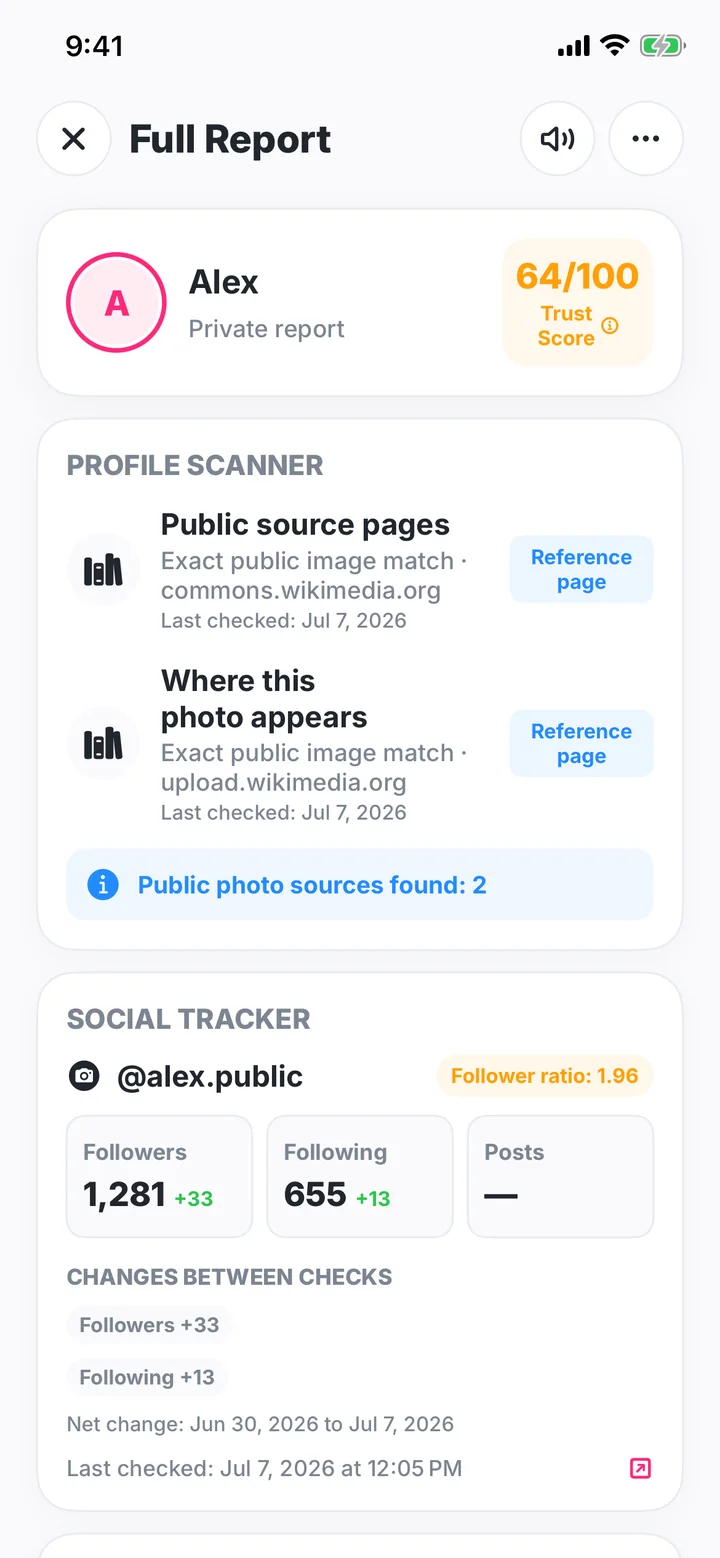
Add one to three profile photos for a focused public-source search. When a returned page belongs to a recognized dating platform, Cheater AI highlights the match and keeps the source link with your case.
Results depend on public web sources available when the check runs.
When a result is available, open the source and review the page around it. A source link gives you somewhere concrete to look. Open it to review the publisher, account details, dates, and surrounding context.
What a result can tell you
- An exact or visually edited copy of the selected photo appeared on a public page.
- The public source URL returned for that image.
- Whether the provider described the result as an exact or partial match.
- When the source check was completed in your case.
What to verify on the source page
- The publisher and account details shown on the source page.
- Who published the page and how the image is presented.
- Whether the surrounding profile details match what you were told.
- The date, caption, and public context around the image.
- Which specific detail you want to clarify after reviewing the source.
How to review a match
- Open the source. Look at the page title, surrounding text, account, and context.
- Compare the actual image. A similar scene is not always the same photo.
- Check dates carefully. A page date does not necessarily show when a photo was taken or first posted.
- Ask about the connection. Use the source to form a specific question instead of treating it as a verdict.
Get the clearest source check
Use the sharpest, least-cropped copy you have. Open each returned source and keep the useful matches beside the rest of your evidence.
Your photo and permission
The feature asks separately before sending the selected photo to Google Cloud Vision for a public web-source check. Only the selected photo is sent to the photo provider. See the Privacy Policy for processing and retention details.