What reverse image search actually does
A reverse image search starts with a photo instead of a phrase. It looks for exact or visually edited copies on public pages that a search provider can reach. The useful output is a source page you can open and inspect.
The result is a public source match for the selected image. A copy of the same image may appear on a news article, stock-photo page, public profile, repost, or scam-warning page. The match shows where the image appeared; identity and account ownership require separate verification.
Before checking a photo
- Use only an image you have the right to review.
- Choose the clearest available copy instead of a tiny thumbnail when possible.
- Keep the original screenshot if the surrounding profile context matters.
- Do not post the result publicly or use it to harass, threaten, or identify someone.
How to review the result
- Compare the image. Confirm that it is the same photo or a recognizable edit, rather than a person who simply looks similar.
- Open the source page. Read the title, caption, account context, and surrounding content.
- Check the date carefully. A page date may show when the page changed, not when the photo was taken or first uploaded.
- Compare the claims. Note any factual conflict between the public source and what you were told.
- Ask about the connection. Treat the source as a lead for a specific question, not a verdict.
What an exact or edited copy may mean
An exact copy can show that the same file was publicly posted elsewhere. An edited copy may be cropped, resized, color-adjusted, or placed in a different layout. Either result still needs human review. Reposts and licensed stock imagery can be legitimate, while unauthorized copying can make the source misleading.
What to verify on the source page
- The publisher and account details shown on the page.
- The relationship between the original image and any repost.
- Whether the surrounding profile details match what you were told.
- The date, caption, and public context around the image.
- The specific connection you want to clarify.
Start with the strongest image
Use a clear, uncropped copy when possible. Review every returned source, compare the surrounding details, and keep the useful matches with the rest of the case context.
Using Cheater AI for a public source check
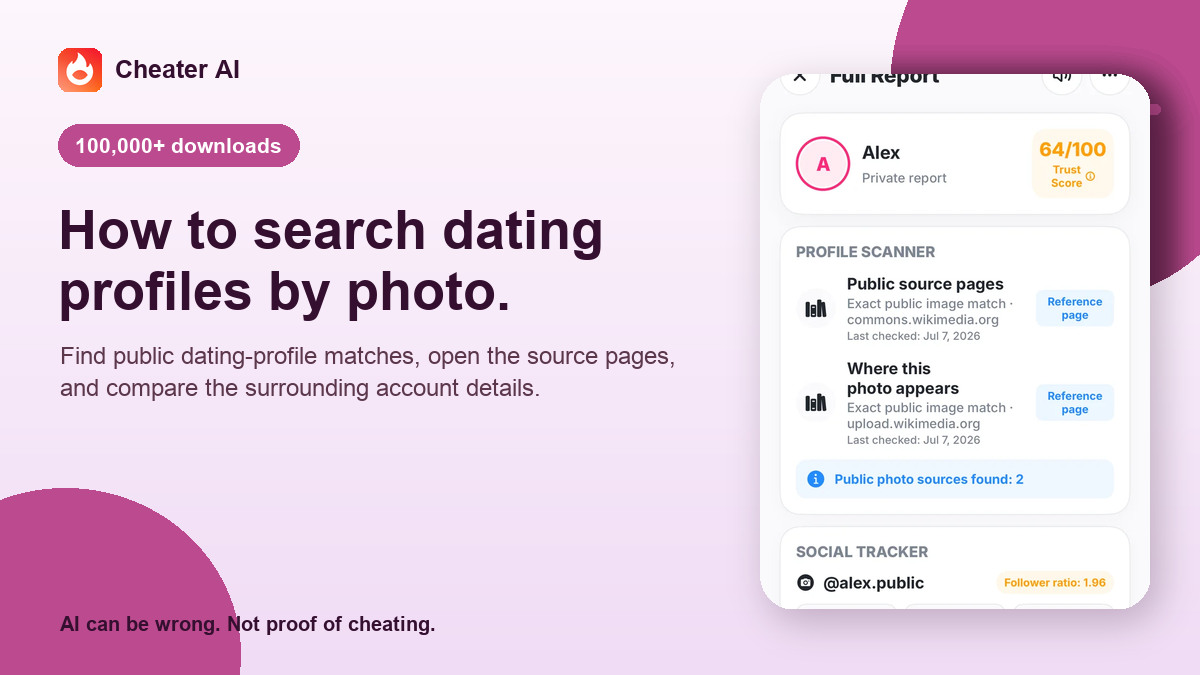
Cheater AI’s optional photo-source check sends one selected photo to Google Cloud Vision Web Detection after a separate permission step. Returned source pages can appear with the other evidence in your case. The result stays focused on public source pages for the selected image and can appear with the other evidence in your case.
Review the Privacy Policy before running a photo check, and use the source to form a question such as: “This same photo appears on this public page. What is the connection?”
Keep the source beside the rest of the context
A source result is easier to assess when it stays beside the original profile screenshot, the claim you were checking, and any later explanation. Record what the page actually showed and what remains unknown. If the source disappears later, do not replace its missing context with a stronger conclusion.
Sources and limits
The Cheater AI product team uses these public sources to explain factual limits responsibly. They do not imply clinical, therapeutic, legal, or other professional review of this guide.
- Google Cloud Vision Web Detection documentation
Documents matching pages and full, partial, or visually similar image results; those matches do not establish a person’s identity.
- FTC guidance on romance scams and reverse image search
Explains reverse image search as one check when profile details do not match, alongside other context.